
Tap! Splat! Protect the picnic. A bright, simple squish-the-ants game for kids and families.

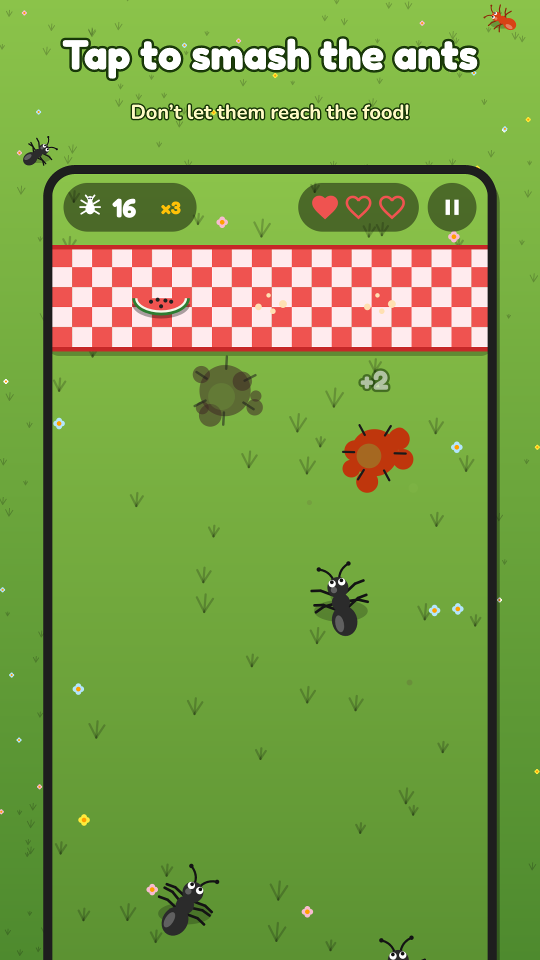
Three lives. Every ant that reaches the picnic eats one of the treats – keep the watermelon, cake and cookie safe!
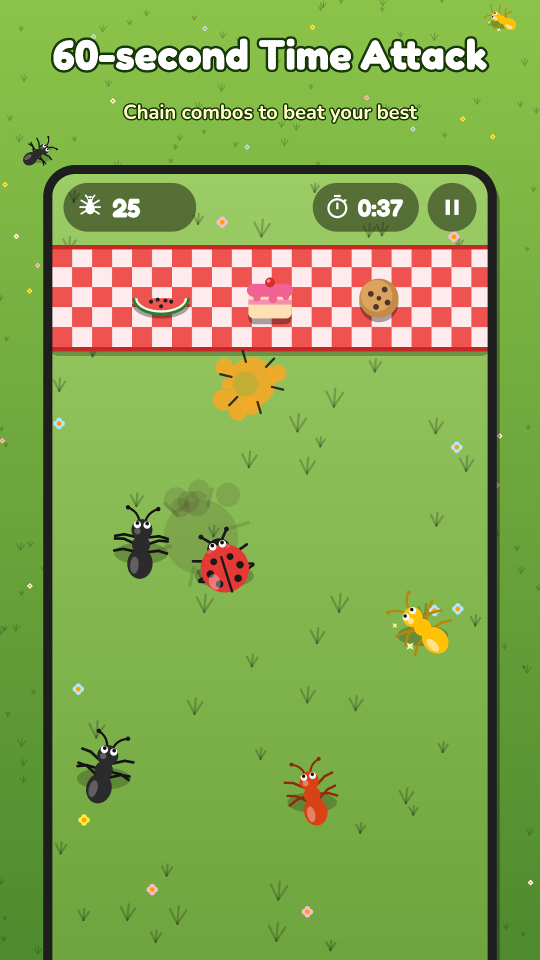
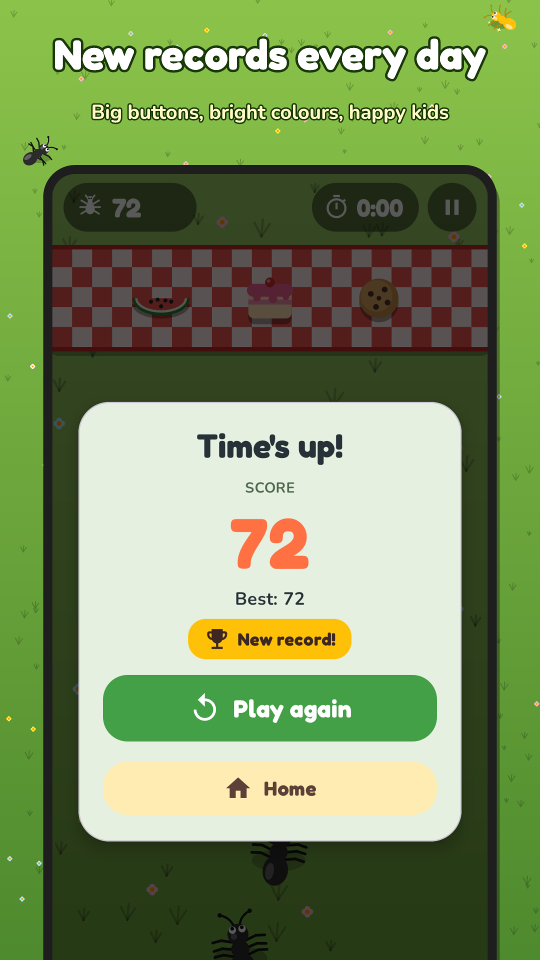
Sixty seconds to score as high as you can. Chain smashes into combos and grab golden ants for bonus time.
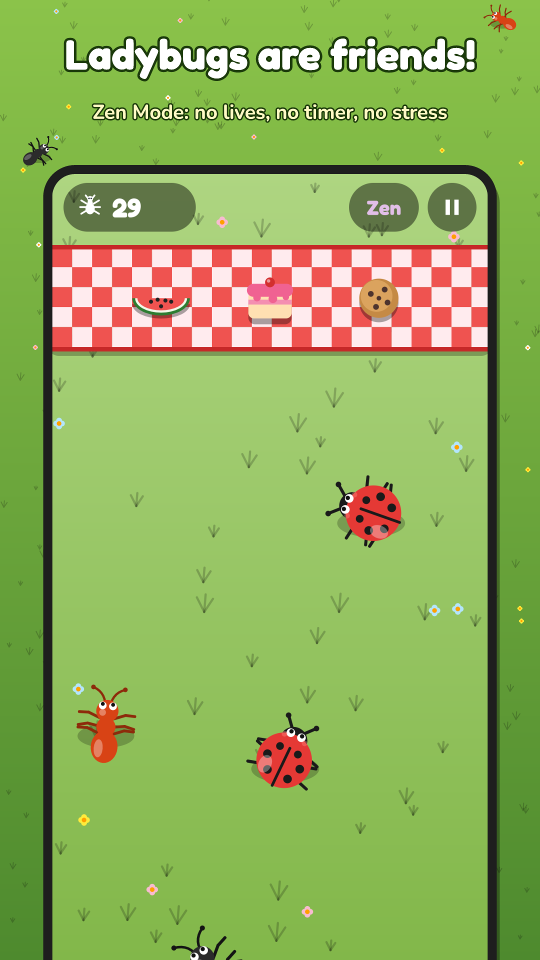
No lives, no timer, no pressure. The perfect mode for the youngest players – just tap and giggle.
Quick and cheeky. Worth 1 point.
Faster and worth double.
Rare and sparkly – 5 points and bonus time.
Tough armour, needs two taps.
Our friend – please don't tap her!
Smash fast for ×2 and ×3 multipliers.
A short age screen (or Google Play's age signal, where available) decides the experience. Children never see personalised ads – only general-audience, family-safe advertising.
Nothing to sign up for. The game does not ask for names, e-mails, contacts, photos or precise location. Read the privacy policy.
Links that leave the game (store page, website, ad settings) and the "Remove ads" purchase are protected by a quick arithmetic question for child accounts.
An optional one-time purchase removes every banner and full-screen ad and makes the "Continue" free. Purchases go through Google Play; restore on any device with the same Google account.
No. The game plays fully offline; an internet connection is only used to load ads and Google Play purchases.
So that we can show age-appropriate content and ads. Only the age group (child, teen, adult) is kept on the device – never the age itself. See the privacy policy.
Open Settings → Restore purchases, signed in with the same Google account. Google Play handles the purchase, so it follows your account.
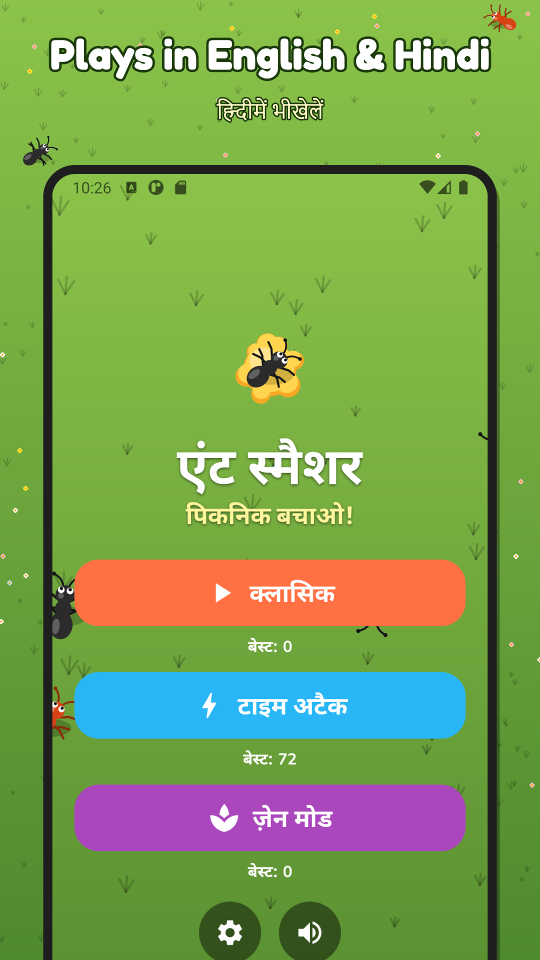
Settings → Language, or the per-app language option in Android settings (Android 13 and newer). English and Hindi are available.
Write to help@screenbiz.in with your device model and Android version, or see the support page.

Ant Smasher is made by Screenbiz, New Delhi.